
Are your workdays a chaotic blur of notifications? Do you end the day feeling busy but not productive? It’s a common feeling for remote workers. The right productivity tools for remote workers don't just add another app to your dock; they create structure and restore intention to your day.
This guide moves past generic lists to offer a practical framework for choosing the right tools. We'll explore how to build a calm, focused system for planning your work, collaborating with your team, and protecting your most valuable resource: your attention. You'll learn the principles behind a sustainable remote work setup and see how a daily planner can become the calm center of your entire workflow.
The Challenge: From Tool Overload to Intentional Workflow
If you’re feeling overwhelmed by your current setup, you’re not alone. Many remote workers struggle with:
- Scattered tasks: To-dos live in email, Slack, and your project manager, creating a constant sense of unease.
- Reactive days: Your calendar and notifications dictate your schedule, leaving little room for deep, focused work.
- Digital presenteeism: You feel pressured to be constantly available, leading to burnout.
- Context switching: Jumping between a dozen apps drains your energy and fractures your focus.
The goal isn't to find a single "perfect" tool, but to build a small, integrated system that serves you.
What Makes a Great Productivity Tool for Remote Work?
Before we look at specific tools, let's establish what makes a tool genuinely useful for remote work. The best productivity tools for remote workers aren't just about features; they're about the principles they support. They should help you work more intentionally, not just faster.
A great tool helps you answer three simple questions each day:
- What’s the most important work I need to do today?
- When will I do it?
- How can I protect my focus while I do it?
This philosophy of "forced thoughtfulness" is central to how we think about productivity at Sunsama. It’s not about cramming more into your day, but about making deliberate choices about where to direct your energy. A tool should support this clarity, not add to the noise. For instance, a simple to-do list might capture tasks, but a daily planner encourages you to consciously allocate time for them on your calendar.
The Core Components of a Remote Productivity System
A sustainable remote work system typically has three core components. Let's look at what they do and which tools fit into each category.
1. A Central Hub for Daily Planning
This is your command center. It’s where you decide what to work on each day. It’s not just a list of tasks, but a realistic plan that lives alongside your calendar. This is the most crucial piece of the puzzle for turning chaos into calm.
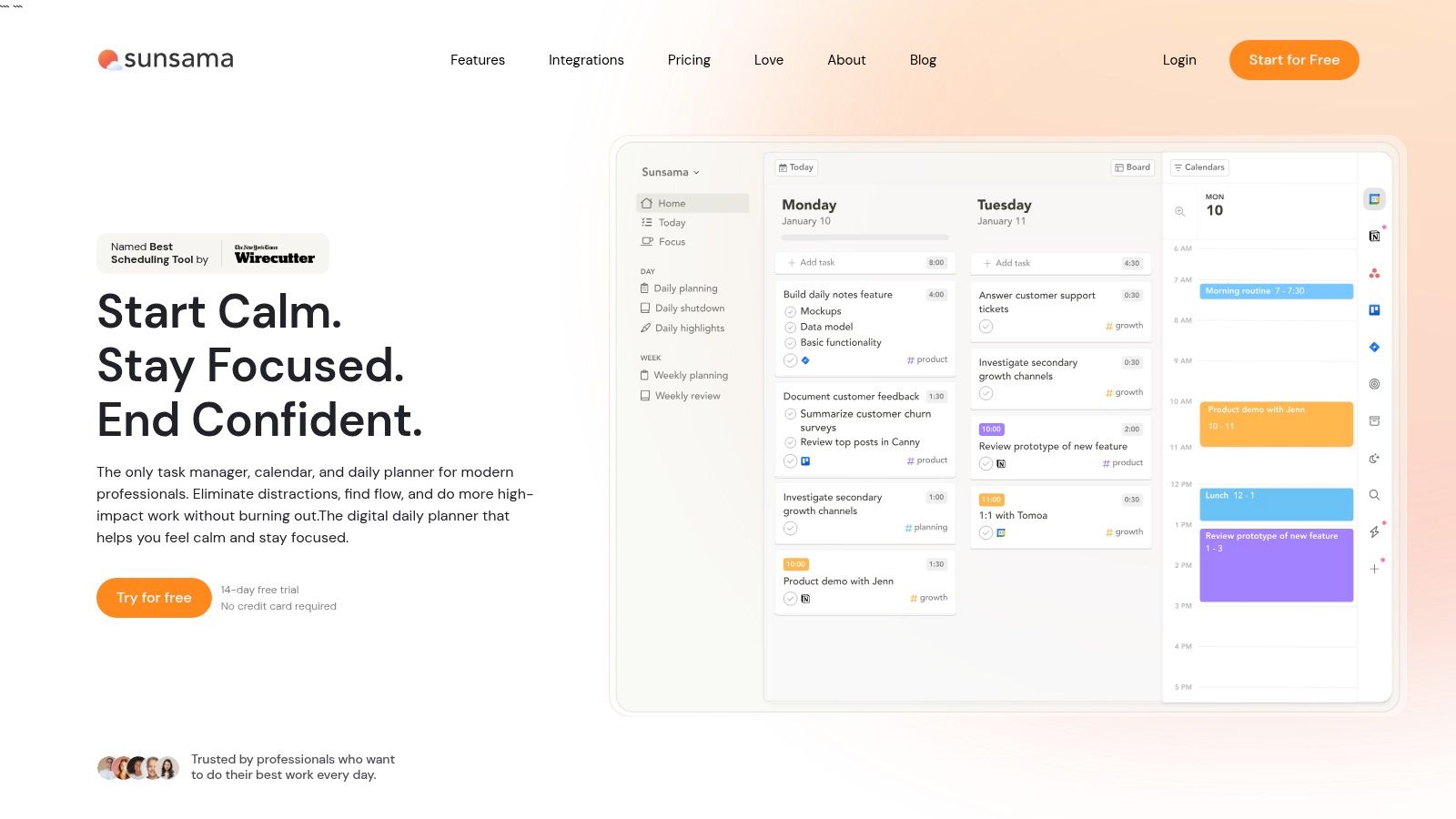
- Sunsama: A daily planner that integrates your tasks, calendar, and tools like Asana, Slack, and Gmail into one view. It guides you through a daily planning ritual to help you create a realistic workload and a shutdown routine to reflect on your progress. This is the foundation of a calm, intentional workflow.
2. Collaboration & Communication Hubs
These tools are where work happens with your team. They are essential for both real-time (synchronous) and time-shifted (asynchronous) collaboration. The key is to choose platforms that integrate well and don't become a source of constant distraction.
- Office Suites (Microsoft 365 & Google Workspace): These provide the backbone for document creation and collaboration. Microsoft 365 is strong for its powerful desktop apps and enterprise security, while Google Workspace excels at real-time, browser-based co-authoring.
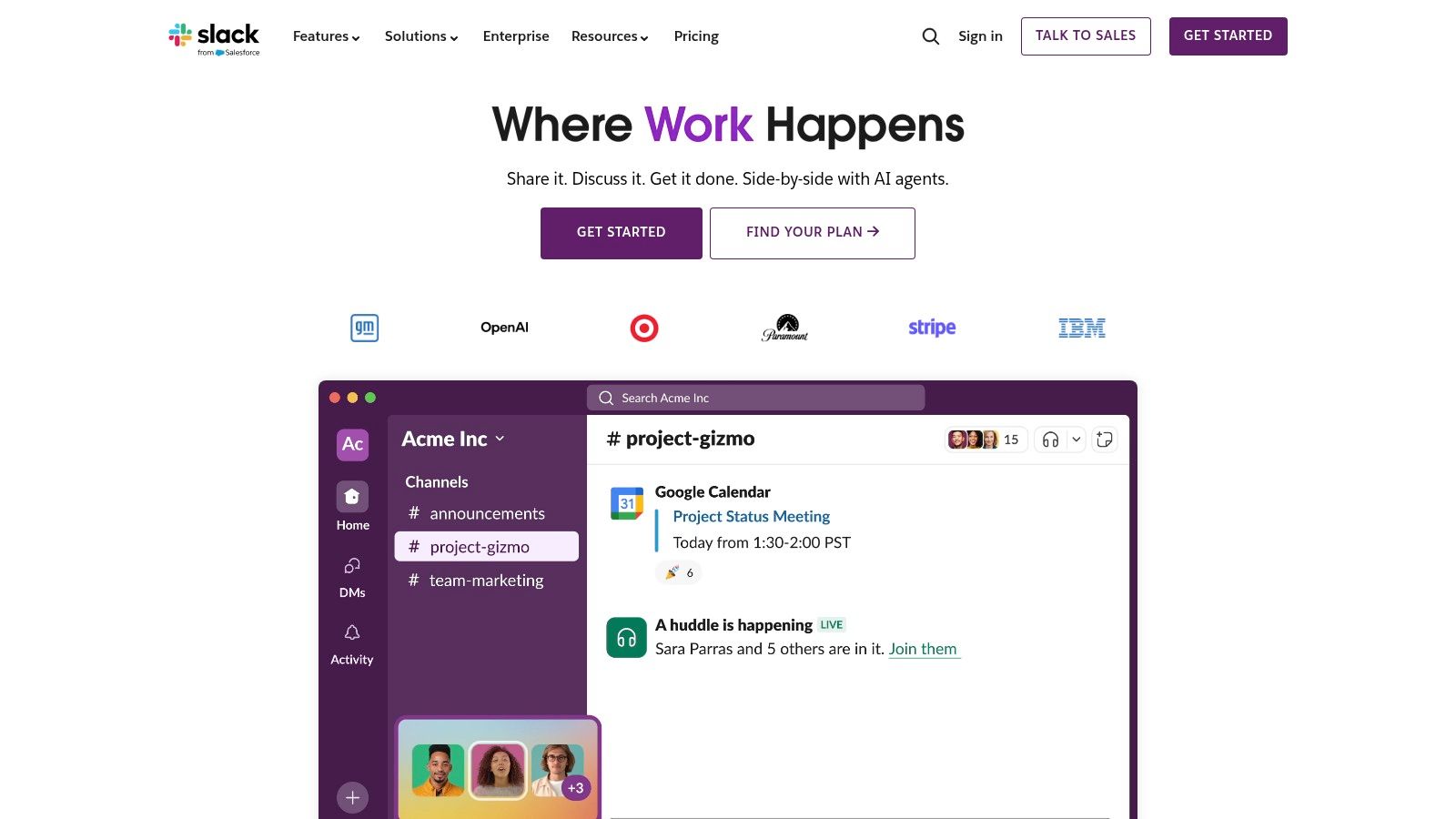
- Team Messaging (Slack): Slack centralizes team conversations into channels, reducing internal email. When used thoughtfully, it creates a searchable archive of decisions. Sunsama’s integration with Slack lets you pull messages directly into your daily plan, turning chatter into action without getting lost in notifications.
- Video Conferencing (Zoom): For synchronous meetings, Zoom remains the reliable standard. Its quality and widespread adoption make it frictionless for connecting with colleagues and clients.
3. Task & Project Management Systems
These are the systems of record for team projects and company-wide initiatives. They track the "what" and "who" of larger goals. While essential for team alignment, they often contain too much information to serve as an effective daily plan for an individual.
- Project Managers (Asana): Tools like Asana are excellent for tracking complex projects with multiple dependencies. They provide high-level visibility for managers and team leads.
- Knowledge Bases (Notion): Notion is a flexible workspace for wikis, documents, and lightweight project tracking. It’s a great place for centralizing team knowledge. You can integrate Notion with your daily planner to pull tasks from team databases into your personal schedule.
- To-Do Lists (Todoist): For personal task capture, an app like Todoist is fast and reliable. It’s perfect for getting thoughts out of your head quickly.
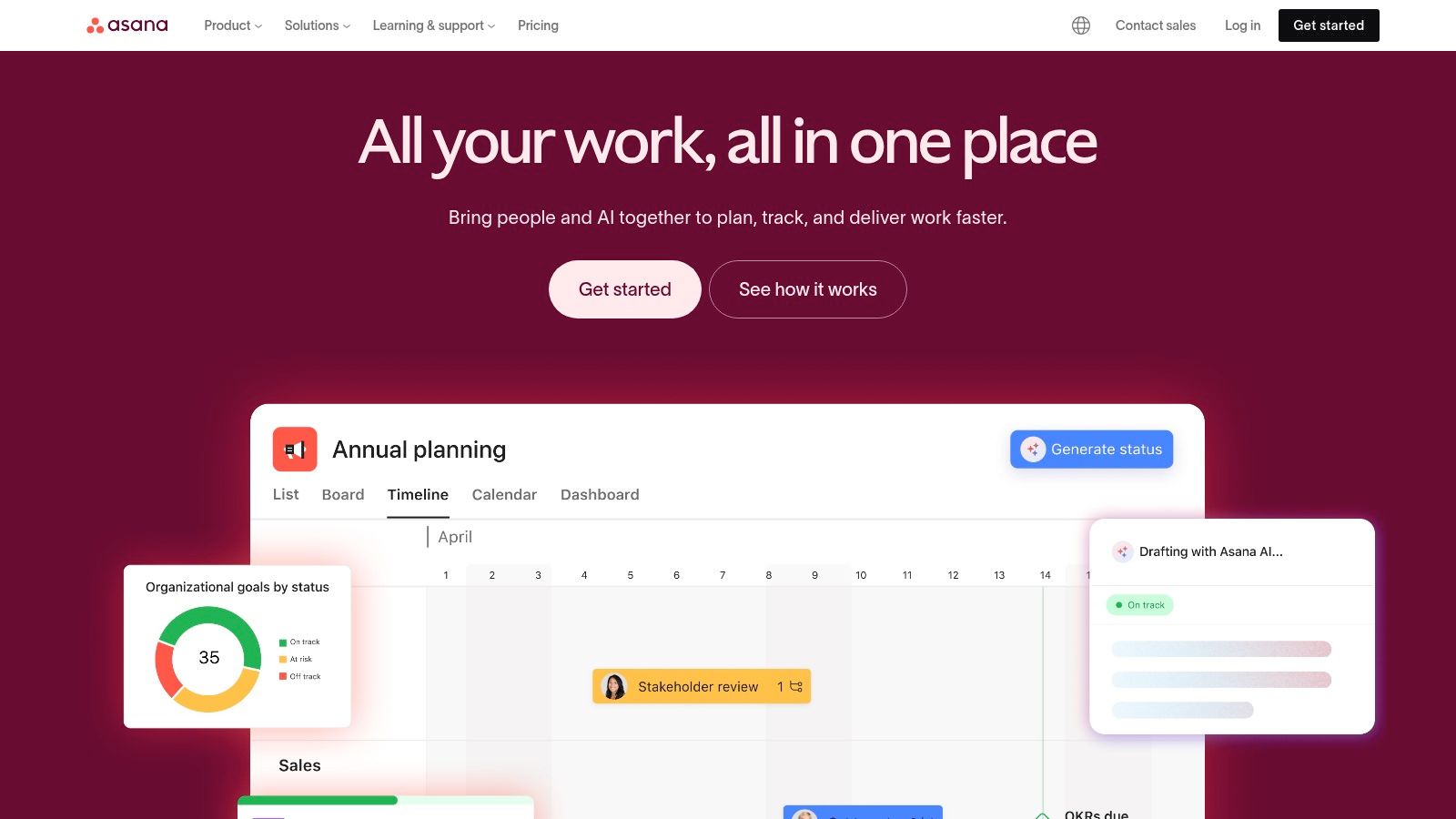
Common Mistake: Many people try to use their project management tool (like Asana) as their daily to-do list. This often fails because project tools are designed for team visibility, not personal focus. They contain all the work, not your work for today. A daily planner pulls in only what you need for the day, reducing overwhelm.
How to Build Your Calm Productivity System in 3 Steps
Now, let's turn these ideas into a practical workflow.
Step 1: Choose Your Core Hubs Select one tool from each of the three categories above: Daily Planning, Collaboration, and Project Management. For example, your stack might be:
- Daily Planning: Sunsama
- Collaboration: Google Workspace + Slack
- Project Management: Asana
Resist the urge to use multiple tools for the same purpose. Simplicity is key.
Step 2: Connect Your Tools to a Daily Planner This is where the magic happens. Your daily planner should act as a buffer between you and the chaos of your other tools. Instead of constantly checking Asana, Slack, and your email, you’ll bring the work to one place during your morning planning ritual.
- How to do it: In the morning, open your daily planner. Go through your inboxes (email, Slack, Asana) and pull any tasks you need to work on into your plan for the day. Drag and drop them onto your calendar to create a realistic schedule.
- Try it in Sunsama: Sunsama integrates directly with these tools, allowing you to drag tasks from Asana, emails from Gmail, and messages from Slack right into your daily task list.
Step 3: Work from Your Plan, Not Your Inboxes Once your day is planned, close your other tabs. Your daily plan is now your single source of truth.
- How to do it: When you're ready to work on a task, start a timer next to it in your planner. This simple act of commitment helps you focus. If you need context, the task in your planner links back to the original source (the email, the Asana ticket, etc.).
- Try it in Sunsama: Use Sunsama's Focus Mode to hide all other tasks and see only the one you’re working on. It helps you stay locked in on the task at hand. When you're in Focus Mode, Sunsama can even automatically update your Slack status to let your team know you're busy.
Beyond Software: Automation and Utilities
Once your core system is in place, you can add tools that save time and reduce friction.
- Automation (Zapier): Zapier connects your apps and automates repetitive tasks without code. For example, you could create a "Zap" that automatically adds a new entry in a spreadsheet whenever you receive an invoice in Gmail.
- App Subscriptions (Setapp): For Mac users, Setapp offers a subscription to a curated library of premium apps. It’s a great way to discover new utilities without buying them one by one.
A Contrarian Take: More Tools Is Not the Answer
The productivity industry often pushes the idea that the next tool will be the one that finally makes you organized. But true productivity isn't about finding the perfect app; it's about building consistent habits.
A complex system with a dozen "best-in-class" tools that don't talk to each other will always be less effective than a simple, integrated system you use every day. The goal is to spend less time in your tools and more time doing the work that matters. Choose a few tools that work well together and commit to a simple daily ritual of planning your work and working your plan. That's the foundation of a calm, sustainable, and productive remote work life.
From Clutter to Clarity: Your Path Forward
We've covered a framework for choosing and connecting the productivity tools for remote workers that will truly serve you. It begins with understanding that the goal isn't just to manage tasks, but to manage your time and attention with intention. By establishing a central hub for daily planning and connecting it to your collaboration and project management tools, you create a system that brings calm and focus to your day.
The result is a workflow where you feel in control. You can end each day knowing you made progress on what was most important, not just what was loudest. This is the shift from being reactive to being intentional—and it’s the key to thriving as a remote worker.
If you’re ready to build a calmer, more intentional workflow, consider starting with a daily planner that acts as your command center. Sunsama is designed to help you unify your tasks, calendar, and emails into a single, focused view so you can plan your day with clarity and work without distraction. Start your free 14-day trial of Sunsama today.


